# How To Adopt a Modified Plugin Copy With BetterShield?
Use a reviewed modified plugin as the local baseline when no trustworthy published checksum is available.
In **[BetterShield](/)**, some plugin packages cannot be compared with a published WordPress.org copy. The Files screen can offer an adoption action for the installed copy.
## What it does
Adoption records the current plugin files as the trusted local baseline. Later code changes are reported against that snapshot. Adoption does not prove that the current code came from the vendor or is free of unwanted changes.
## Step 1: Adopt a Modified Plugin Copy
Verify the package through the vendor, deployment artifact, or your own source control. On the plugin's Files row, choose the adoption action and confirm it.
Adoption is for a copy you have independently verified and intend to keep.
## Recommended settings
Prefer a clean reinstall from a trusted vendor package when one is available. Adopt only when the installed customization is intentional and documented.
## What it can break and how to undo
Adopting the wrong copy makes that copy the reference point. Replace the plugin with a trusted package and run the file check again to establish the correct state.
## Final Outcome
The package should show as adopted or checked rather than unresolved. A later file change should create a new result.
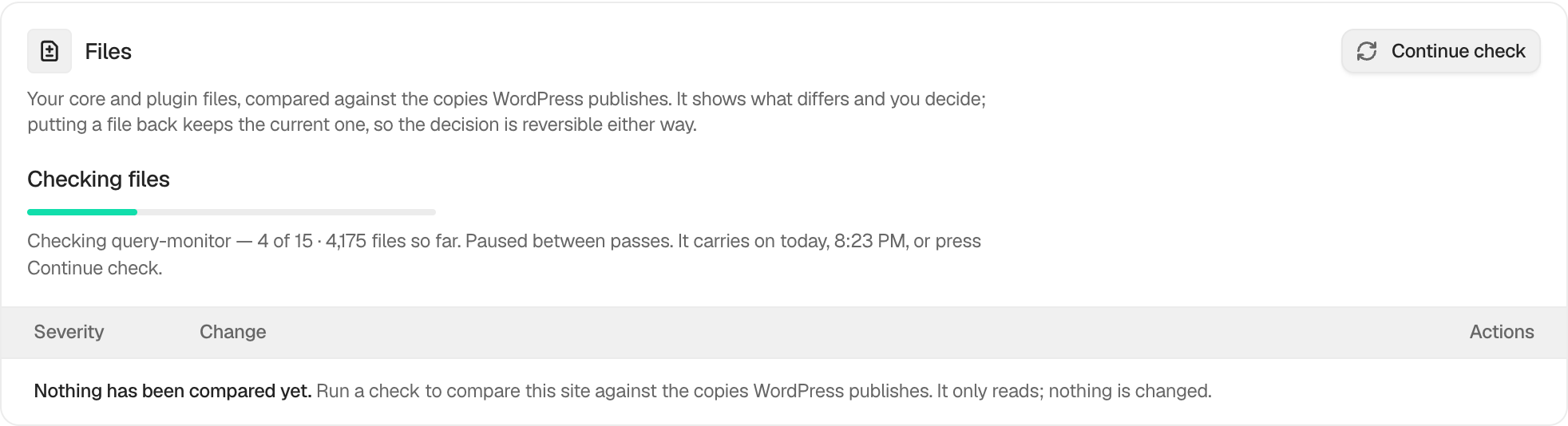
Example Adopt a plugin copy view. Check the saved values and status on your own site.
## Related
- [Mark file changes as expected](/docs/expected-file-changes/)
- [Check files against their published copies](/docs/file-integrity-checks/)
- [Activity log](/docs/activity-log/)
This is how you can adopt a modified plugin copy with BetterShield.
Getting Stuck? Feel free to contact our [Dedicated Support Team](/support/).