# How To Connect Cloudflare to BetterShield Ultra?
Add a Cloudflare API token so BetterShield Ultra can find the site's zone and manage the Cloudflare controls you choose.
Add a Cloudflare API token so **[BetterShield Ultra](/ultra/)** can find the site's zone and manage the Cloudflare controls you choose.
_**Note:** These controls require the paid [BetterShield Ultra](/ultra/) add-on alongside the free BetterShield plugin._
## What it does
A Cloudflare connection lets the **BetterShield › Ultra › Cloudflare** tab find the zone for this site's address. Ultra reads the current zone state before you use its controls.
## Step 1: Open the feature
Create an API token in Cloudflare with access to the zone.
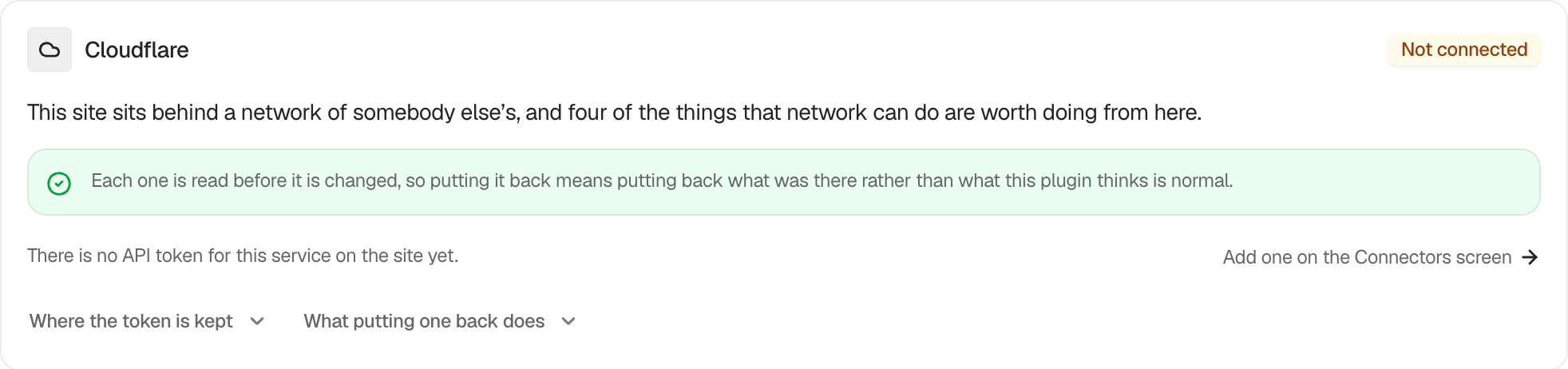 ## Step 2: Connect Cloudflare to BetterShield Ultra
- Open **Settings › Connectors** and add it under **Cloudflare**.
- Return to **BetterShield › Ultra › Cloudflare**.
The tab says where the token comes from, checks it, and displays **Connected, on the zone** followed by the zone name. Ultra keeps no Cloudflare token of its own. WordPress holds a saved token.
You can instead define `BETTERSHIELD_CLOUDFLARE_TOKEN` as an environment variable or a constant in `wp-config.php`. The environment variable takes precedence over the constant, and either takes precedence over the stored token.
## Recommended settings
Create a token for only the zone this site uses and grant only the permissions required by the controls you intend to use. Keep production and staging credentials separate.
## What it can break and how to undo
A token for the wrong account or without the needed permission prevents the controls from working. Replace it on **Settings › Connectors**. Removing the token stops new Cloudflare changes, but it does not by itself restore changes already applied from Ultra. Put those changes back from their cards first.
## Final Outcome
The tab shows **Connected, on the zone** and the correct zone name. If the token is refused or no zone matches the site address, the card displays the reason returned by Cloudflare.
## On multisite
Only a network administrator can use the Cloudflare tab.
## Related
- [Cloudflare controls](/docs/cloudflare/)
- [Change the Cloudflare security level](/docs/cloudflare-security-level/)
- [Carry sign-in lockouts to Cloudflare](/docs/cloudflare-lockout-challenges/)
- [What BetterShield contacts](/docs/what-bettershield-contacts/)
This is how you can connect Cloudflare to BetterShield Ultra.
Getting Stuck? Feel free to contact our [Dedicated Support Team](/support/).