# How To Check Files Against Their Published Copies With BetterShield?
Run the Files check and understand what BetterShield compares with WordPress.org and what it only watches for change.
In **[BetterShield](/)**, open **BetterShield › Activity › File Changes** to run or continue a file comparison.
## What it does
WordPress core is compared with checksums for the installed version and language. Plugins from WordPress.org and supported WPDeveloper paid plugins are compared with the exact version's published checksums when available. Core and plugin directories are also checked for files that were not published.
The active theme and parent, must-use plugins, drop-ins, `wp-config.php`, `.htaccess`, `.user.ini`, and plugins without published checksums are watched against their earlier state. Uploads are not checked. WordPress.org does not publish theme checksums.
## Step 1: Check Files Against Their Published Copies
Select **Check now**, **Continue check**, or the current check control. The work proceeds in passes and can continue through WordPress scheduled tasks.
The Files tab reports progress and keeps every discovered difference for review.
## Recommended settings
Run a check after updates, deployments, migrations, or unexpected behavior. Let the initial baseline finish before treating watched-code changes as meaningful.
## What it can break and how to undo
Checking is read-only. Fetching checksums uses WordPress.org or the supported publisher; restoring an official file uses WordPress.org and can fail when the site cannot make outbound requests. Retry after connectivity returns.
## Final Outcome
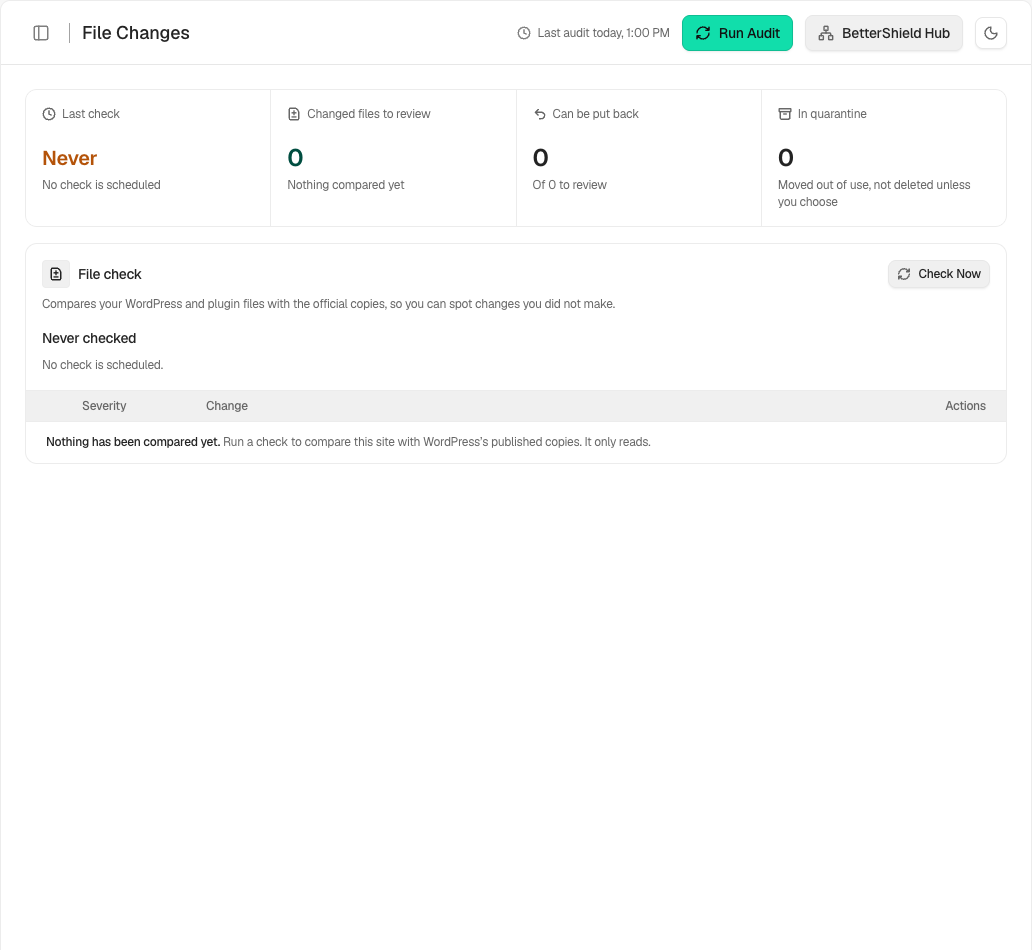
The **Last check** time should update, progress should complete, and each difference should identify its file, change type, and available action.
Example File integrity checks view. Check the saved values and status on your own site.
## Published checksums for paid plugins
Free 1.1.5 checks supported WPDeveloper paid plugins through **checksums.wpdeveloper.com**. Ultra also has **bettershield.ai** as a fallback when the primary address has no list for that version. A missing or unreachable list means that copy was not compared; it does not mean the files match. Other paid or custom code without published checksums remains watched against its recorded state. These lookups are separate external contacts from WordPress.org. Publisher checksums do not provide a file-restoration download.
When a plugin version changes outside WordPress's updater, its changed files are rated high rather than critical. A hidden code file stays critical. Hosts can [record a known deployment](/docs/record-host-file-changes/) through WP-CLI.
## Related
- [Put an official file back](/docs/restore-official-files/)
- [Mark file changes as expected](/docs/expected-file-changes/)
- [What BetterShield contacts](/docs/what-bettershield-contacts/)
This is how you can check files against their published copies with BetterShield.
Getting Stuck? Feel free to contact our [Dedicated Support Team](/support/).