# How To Review Files Kept in Quarantine With BetterShield?
Inspect copies BetterShield kept aside, restore the right one, and understand that quarantine does not delete the file.
In **[BetterShield](/)**, the **In quarantine** figure on **BetterShield › Activity › File Changes** counts copies kept aside during supported file responses.
## What it does
When BetterShield replaces or isolates a supported file, it keeps the prior copy in a protected quarantine location. It does not silently delete that copy. The row identifies the original path and the response that created it.
## Step 1: Review Files Kept in Quarantine
Quarantine is created by a supported file response. Open the quarantine view from the Files screen and inspect the stored copy before choosing an action.
Quarantined copies remain available for inspection and restoration.
## Recommended settings
Keep quarantined copies until the restored or replaced site behavior has been verified and you have an independent backup. Do not run a quarantined PHP file.
## What it can break and how to undo
Restoring a quarantined copy can reintroduce the change that caused concern. If that happens, put the verified official copy back again. Plugin deletion behavior for quarantine depends on **If this plugin is ever deleted** under General settings.
## Final Outcome
After an eligible restoration, the quarantine count should increase and the stored copy should name its original location.
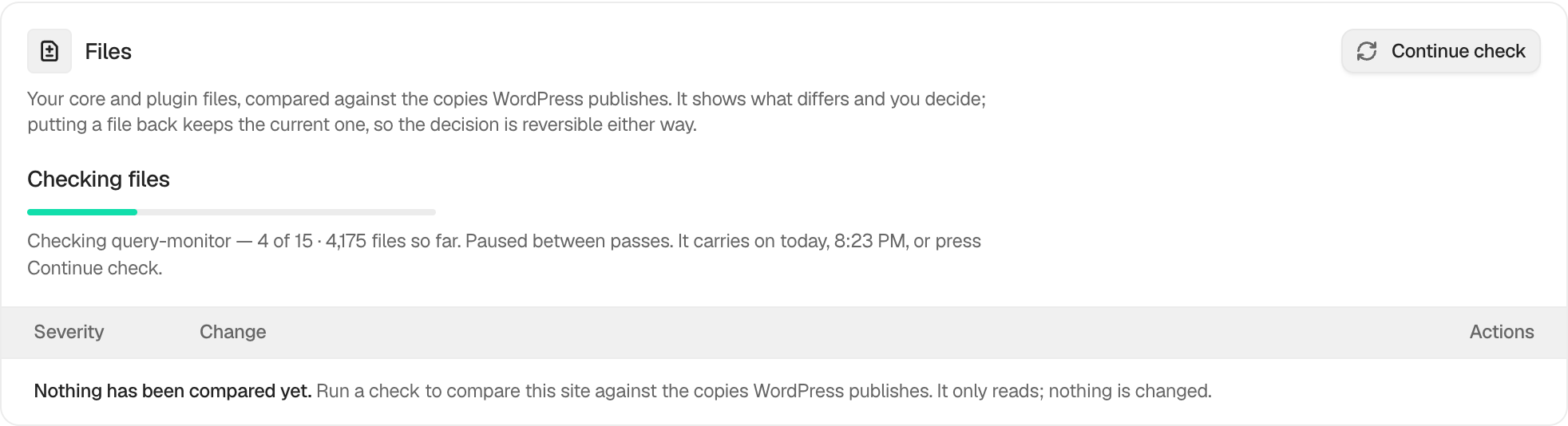
Example File quarantine view. Check the saved values and status on your own site.
## Actions on selected copies
Select the quarantined copies you intend to handle, then review the offered bulk restore or removal action and its receipt. Putting a copy back can change running code. Removal is permanent and is separate from accepting a file change. Keep anything needed for investigation before choosing removal.
## Related
- [Put an official file back](/docs/restore-official-files/)
- [Choose what plugin deletion leaves behind](/docs/deletion-data-choice/)
- [Incident evidence](/docs/incident-evidence/)
This is how you can review files kept in quarantine with BetterShield.
Getting Stuck? Feel free to contact our [Dedicated Support Team](/support/).