# How To Read an Incident's Evidence and Related Activity With BetterShield?
Follow the incident timeline, inspect linked access and file records, and separate recorded facts from interpretation.
In **[BetterShield](/)**, open an item under **BetterShield › Activity › Incidents** to see the records that caused it to be grouped.
## What it does
The detail view orders evidence by time and links back to the recorded access or file-change rows. It can show accounts, networks, files, and the timing that connected them. Correlation means the records line up under BetterShield's rules. It does not establish who intended the action.
## Step 1: Read an Incident's Evidence and Related Activity
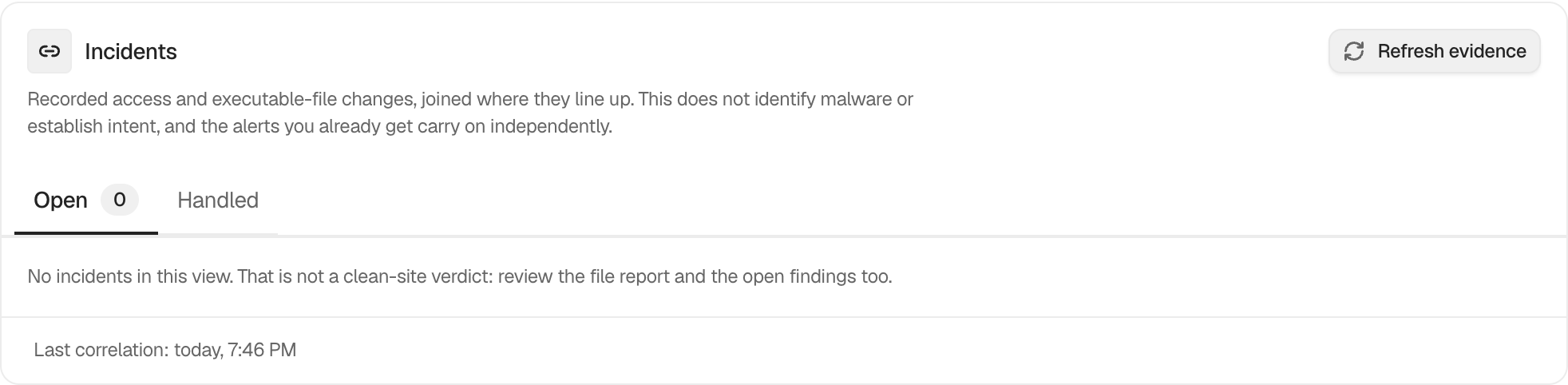
Select an open incident, expand its evidence, and follow the related-record links. Use **Refresh evidence** first if the correlation time is older than recent activity.
The incident view keeps the timeline tied to the original activity and file records.
## Recommended settings
Compare the timeline with deployments, administrator work, hosting actions, and expected automation. Preserve exports or external notes when the review matters beyond the log's retention period.
## What it can break and how to undo
Reading evidence is read-only. Actions offered from the incident can affect accounts or files and must be reviewed separately.
## Final Outcome
Each evidence item should open or identify its original record. Times and subjects should match the Activity and Files tabs.
Example Incident evidence view. Check the saved values and status on your own site.
## Related
- [Review and manage grouped incidents](/docs/incident-records/)
- [Filter and search site activity](/docs/filter-activity-log/)
- [Check files against their published copies](/docs/file-integrity-checks/)
This is how you can read an incident's evidence and related activity with BetterShield.
Getting Stuck? Feel free to contact our [Dedicated Support Team](/support/).