# How To Review Network Incidents With BetterShield?
Review open incident correlations across multisite, grouped by site, and open the site-level evidence.
In **[BetterShield](/)**, open **Network Admin › BetterShield › Activity › Incidents**.
## What it does
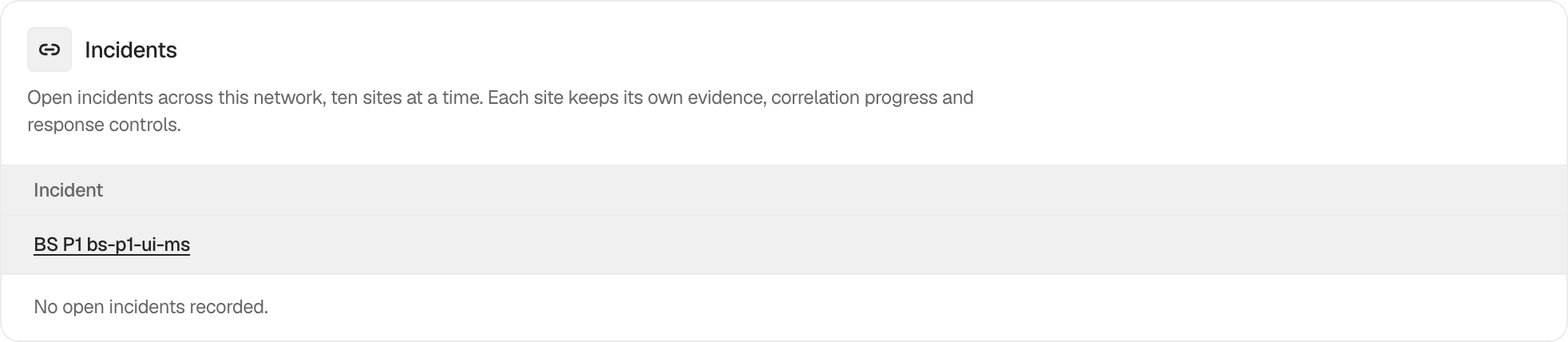
The tab lists open incidents by site, ten sites at a time. It provides network-level triage while the detailed timeline, related activity, response plan, and review state remain on the individual site.
An incident is a correlation of recorded evidence, not a verdict about intent or the condition of the site.
## Step 1: Review Network Incidents
Let the shared-table migration complete, open the Incidents tab, and select a site or incident to review its site-level evidence.
The network view is an index into each site's open grouped evidence.
## Recommended settings
Start with the newest or highest-impact site group. Compare it with network maintenance and account administration before responding.
## What it can break and how to undo
The network list is read-only. Actions taken after opening the site-level incident can affect accounts or files and use their own reversal steps.
## Final Outcome
The site and open count should match that site's own Incidents tab. Opening a row should lead to the correct site context.
Example Network incidents view. Check the saved values and status on your own site.
## Related
- [Review and manage grouped incidents](/docs/incident-records/)
- [Read an incident's evidence and related activity](/docs/incident-evidence/)
- [Monitor the network log migration](/docs/network-log-migration/)
This is how you can review network incidents with BetterShield.
Getting Stuck? Feel free to contact our [Dedicated Support Team](/support/).