Alerts in each person's language
Alerts and weekly summaries arrive in each recipient's own language: their account language, or the site language for any other address.
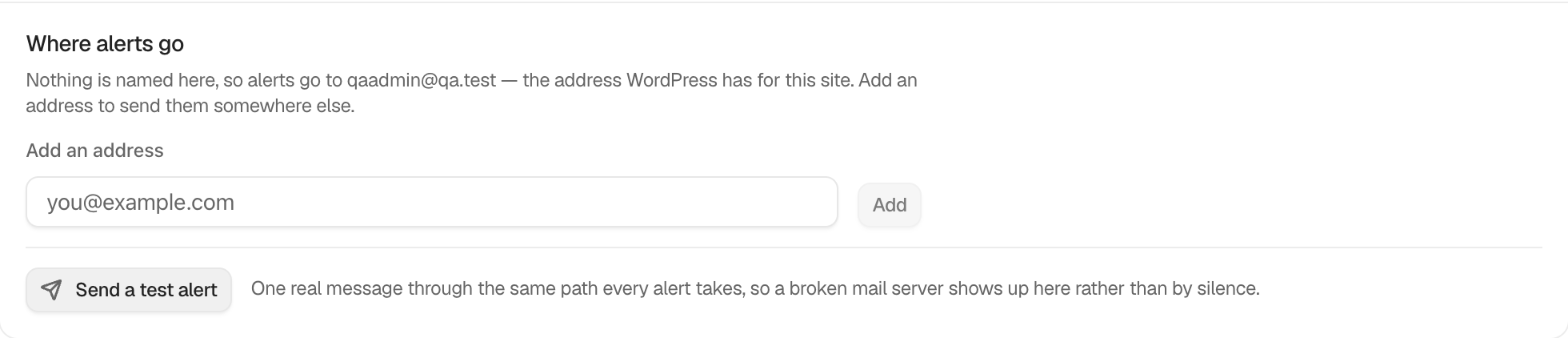
The result shows under BetterShield › Settings › Email alerts › When alerts are sent, and to whom › Where alerts go, after Send a Test Alert.
What it does
BetterShield writes each alert and weekly summary in the language its reader uses:
- An address that belongs to a user on this site gets mail in that user’s language.
- Any other address gets mail in the site’s language.
Each language is written once, then sent to the addresses that read it, so a team can have several languages at once. If one language’s send is refused, the others are still tried. The subject, the body and the footer follow the reader’s language, and what a summary lists, such as a finding’s title, is worded in it too.
This covers alerts, the weekly summary and the test alert. A language reads translated only where BetterShield has a translation for it. See Review the language used by BetterShield.
Set it up
- Each person chooses their language on their own WordPress profile.
- Use the same email address for the alert list as for their account.
- Select Send a Test Alert. Under Each address gets alerts in:, read each line, such as “name@example.com: German”.
| Address | Language used | Default |
|---|---|---|
| Belongs to a user here | That user’s language | Automatic |
| Belongs to nobody here | The site language | Automatic |
Recommended settings
Our advice is to name the address of the person’s own account when they read another language. A shared inbox that is not an account reads the site language.
What it can break and how to undo
There is nothing to switch on or off. To change a language, change the user’s language on their profile, or the site language under Settings › General. The site language also affects WordPress and other plugins.
Check it is working
The test lists every address with its language. Compare one received alert with that line.
On multisite
An address that belongs to a user is written in that user’s language. Other addresses use the language of the site the alert comes from.