How To Export your BetterShield Hub Account Data?
Download the personal and workspace data BetterShield Hub makes available to your account.
In BetterShield Hub, Your data on Settings › Account prepares the Hub data available to your account for download.
Note: Sign in to your free BetterShield Hub account. Your workspace role and site permissions determine which information and actions you can use.
What it does
The export provides a portable copy of the account and workspace information Hub offers to you. It does not reach into connected sites for arbitrary WordPress content.
Step 1: Open Settings › Account
Open Settings › Account.
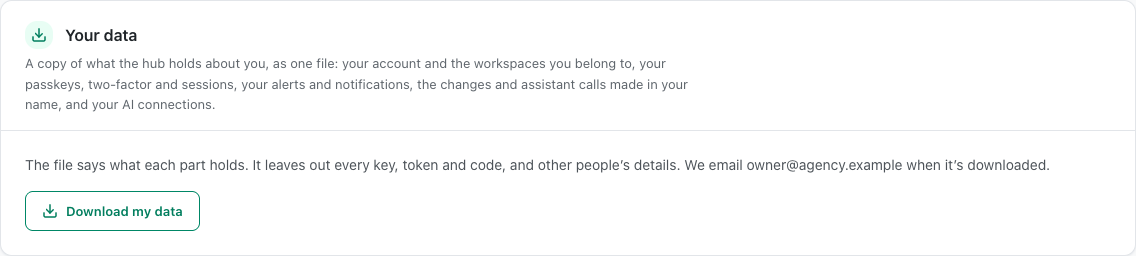
Step 2: Export your BetterShield Hub account data
- Find Your data.
- Start the export and confirm it is you when asked.
- Save the downloaded file in an appropriate location.
There is no automatic or scheduled export.
Recommended settings
Our advice:
- Export before leaving a workspace when you are authorized to keep the record.
- Store the file as carefully as the Hub account itself.
- Remove old exports when they are no longer needed.
What it can break and how to undo
Exporting changes no Hub data. The downloaded file is a separate copy and cannot be recalled from another device or storage service.
Delete that copy through the device or storage system where you saved it.
Final Outcome
The export action completes without an account error.
- The browser downloads a file.
- The file contains only data available to the signed-in account.
Related
This is how you can export your BetterShield Hub account data.
Getting Stuck? Feel free to contact our Dedicated Support Team.