How To Rotate Network Sign-in Keys With BetterShield?
Rotate WordPress sign-in keys across a multisite network and end every other active session.
In BetterShield, use Network Admin › BetterShield › Network › Rotate the sign-in keys.
What it does
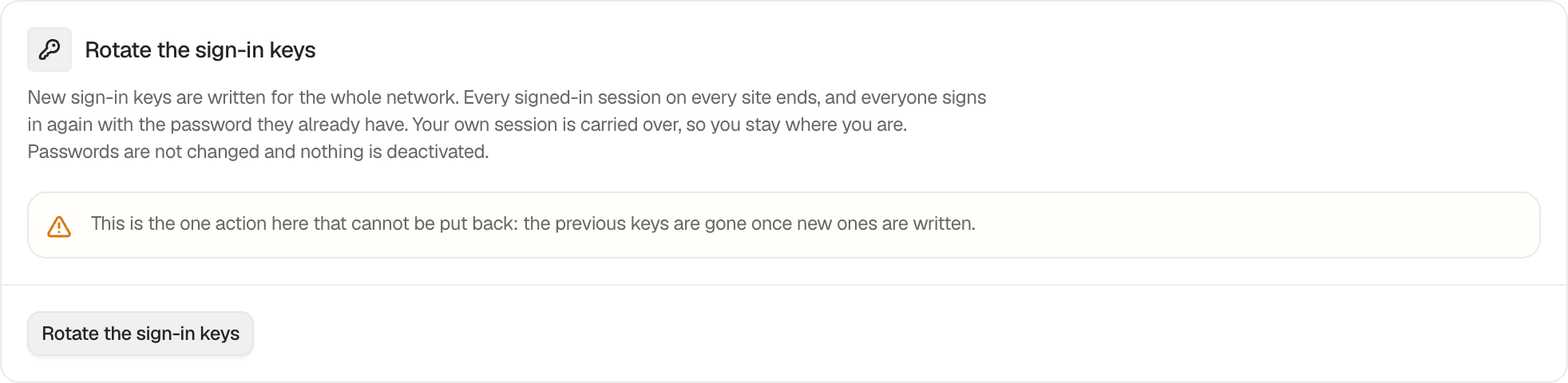
Rotation replaces the network’s WordPress sign-in keys. Every other active session on every site ends and those users must sign in again with their normal method. The administrator performing the rotation stays signed in.
Step 1: Rotate Network Sign-in Keys
Select Rotate the sign-in keys, acknowledge I understand every other session on every site will end, then select Rotate the sign-in keys again.
Recommended settings
Use rotation after suspected session exposure or as a planned network-wide session reset. Notify site owners and confirm recovery paths first.
What it can break and how to undo
The ended sessions cannot be restored, and the old keys cannot be put back through BetterShield. Users must sign in again. Saved work in applications that depend on a session may be interrupted.
Final Outcome
Use a separate test account in another browser before rotation. Afterward, that session should require sign-in while the initiating session remains active.
Related
This is how you can rotate network sign-in keys with BetterShield.
Getting Stuck? Feel free to contact our Dedicated Support Team.