See saves in the theme and plugin file editor
BetterShield records a save in the dashboard theme or plugin file editor as High, naming who saved which file, never its contents.
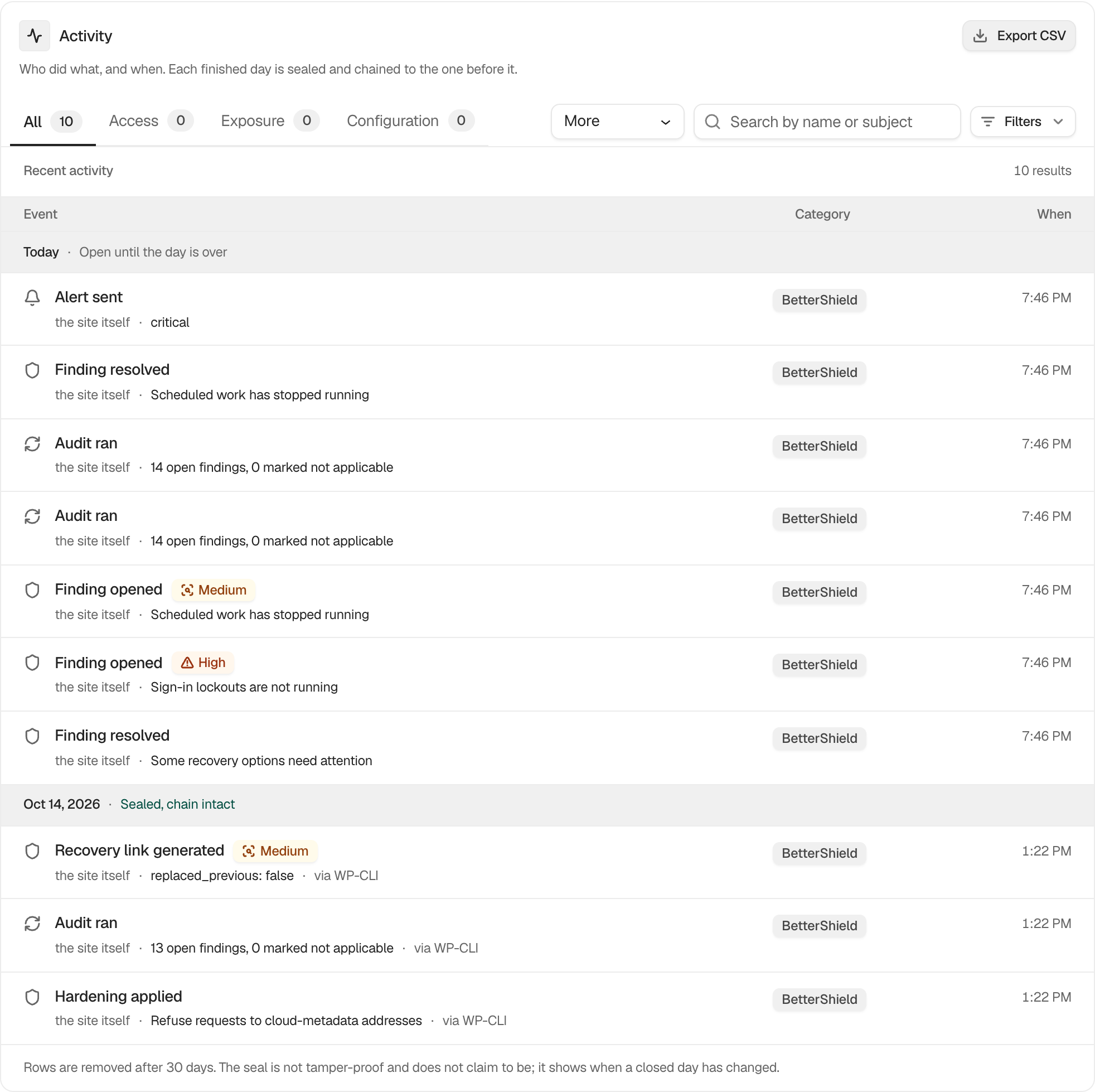
Find these rows on BetterShield › Activity › Site activity under Updates & extensions, or search for the file’s name.
What it does
When someone saves a file in the WordPress theme editor or plugin editor and the file really changes, BetterShield records File edited in the file editor. It is filed under Updates & extensions and rated High, so it reaches the instant alert email while instant alerts are on.
- The row reads like “functions.php in Twenty Twenty-Five”: the file inside its plugin or theme, then that plugin’s or theme’s name.
- It records who saved and which file. It never records the contents.
- It works for the editor’s normal save and for the form that works without JavaScript.
- A save WordPress refused, or one it rolled back because the edit broke the site, is not recorded, because the file did not change.
Writing PHP from the dashboard is one of the first things a stolen administrator session does. That is why this row is High.
Set it up
There is nothing to switch on. It is recorded from activation.
| Option | What it does | Default |
|---|---|---|
| Recording | Records a file editor save | Always on |
Recommended settings
Our advice is to turn the file editor off, so there are no saves to record. See Turn off the file editor. If you keep it, treat a row nobody expected as a reason to check File changes and the account that saved it.
What it can break and how to undo
It changes nothing on the site. It reads the one file being saved, before and after the save. The row stays for as long as the log keeps rows, 30 days in the free plugin. It cannot undo the edit. Restore the file from your own copy, or use Restore official files for a WordPress.org plugin.
Check it is working
On a test site, add a comment line to a theme file under Appearance › Theme File Editor and save. A new High row should appear within moments.
On multisite
Rows are written in the log of the site where the editor was used.