How To Review and Manage Grouped Incidents With BetterShield?
Use the Incidents tab to review open correlations, refresh evidence, and move completed reviews to Handled.
In BetterShield, the Incidents tab groups related access and executable-file activity.
What it does
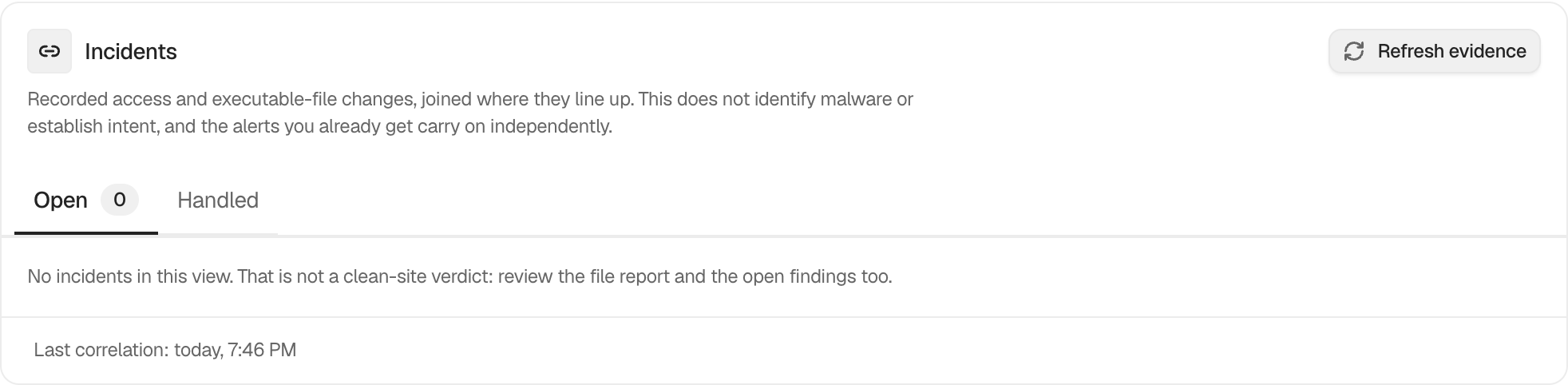
The summary shows Open, Evidence, Last correlation, and Waiting. Refresh evidence runs the correlation step again. The list separates Open from Handled and keeps the underlying records linked to each group.
An empty view explicitly does not claim that the site is clean. The Files report and open findings remain separate sources of evidence.
Step 1: Review and Manage Grouped Incidents
No switch is required. Keep site activity and file checks available. Select an incident to open its details, and mark it handled after the review is complete.
Recommended settings
Review the newest open group first. Record why it was handled in your own operational notes, especially when the activity was expected.
What it can break and how to undo
Changing the review state does not alter accounts or files. Return a handled group to the open view if more review is needed.
Final Outcome
Select Refresh evidence and confirm Last correlation updates. Moving a group to handled should change both view counts.
Related
- Read an incident’s evidence and related activity
- Prepare and apply an incident response plan
- File changes
This is how you can review and manage grouped incidents with BetterShield.
Getting Stuck? Feel free to contact our Dedicated Support Team.