How To Review Network Settings History With BetterShield?
Review recent network access-policy changes and put back the prior supported value across sites.
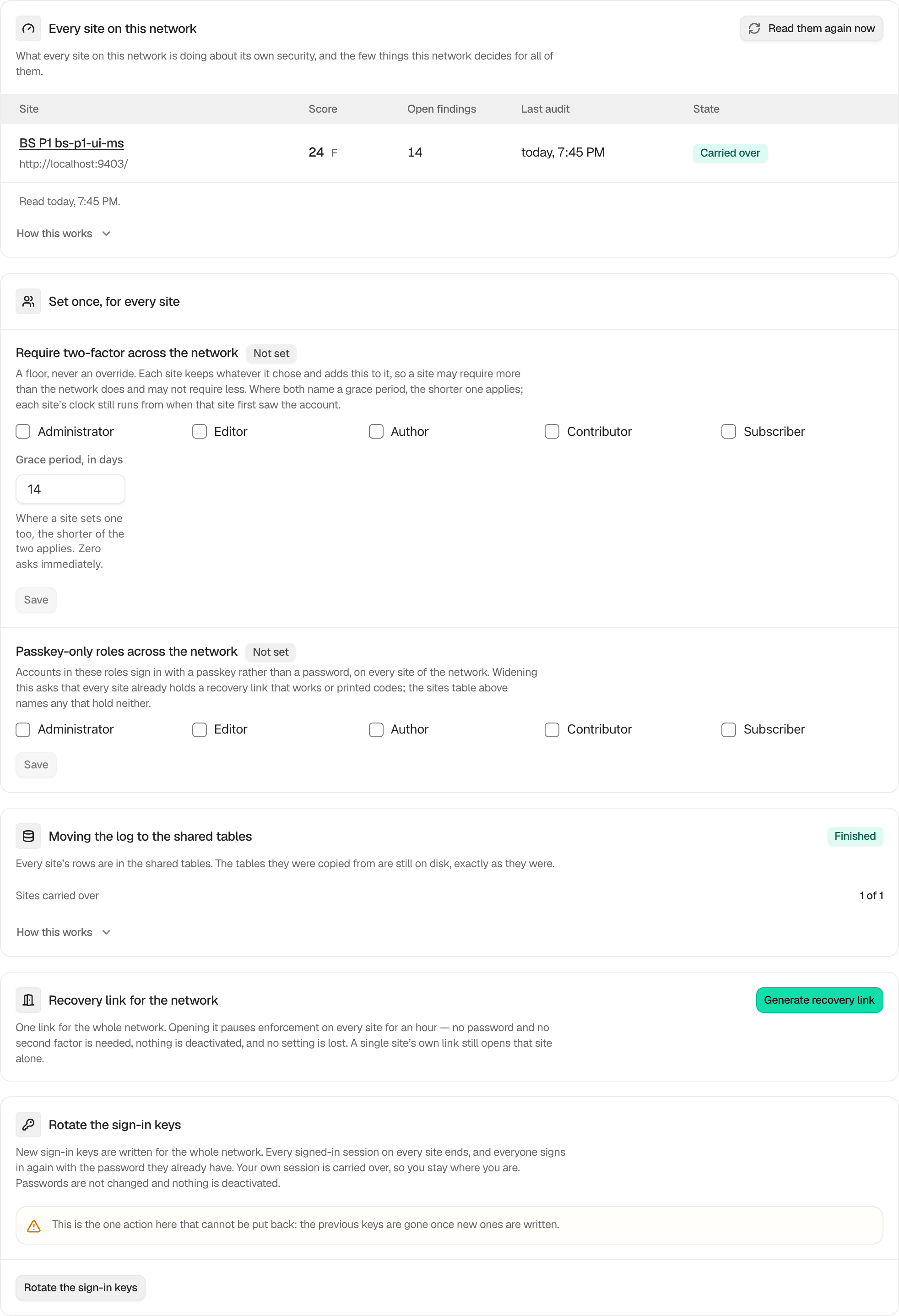
In BetterShield, Recent changes to the network appears on Network Admin › BetterShield › Network after a supported network policy change.
What it does
The list records changes to the network two-factor and passkey-only policies. Each row names the change, actor, and time. Put back restores the value that save replaced and applies it to the sites the original network operation reached.
It does not restore revoked credentials, ended sessions, used recovery links, or other irreversible effects.
Step 1: Review Network Settings History
No setup is required. Change a supported network policy, then review the history before choosing Put back.
Recommended settings
Use the newest relevant row and verify the effective rule on representative sites after restoration.
What it can break and how to undo
Restoring a weaker policy can reduce required access protection. Restoring a stronger one can require enrollment again. If the result is wrong, save the desired policy directly or use the new history row created by the restoration.
Final Outcome
After restoration, the policy card and affected site screens should show the earlier effective roles and grace period.
Related
- Require two-factor across the network
- Set a network passkey-only policy
- Filter and search site activity
This is how you can review network settings history with BetterShield.
Getting Stuck? Feel free to contact our Dedicated Support Team.