How To Receive Daily or Weekly BetterShield Hub Summaries?
Choose weekly workspace summaries or daily update emails, and understand which sites and file changes appear in each Hub message.
In BetterShield Hub, the workspace summary combines the sites you can see into one email. Choose the cadence under Settings › Alerts. This is your own workspace preference and does not change another member’s choices or the WordPress site’s email settings.
Step 1: Open Settings › Alerts
Find Workspace weekly summary and turn its Email switch on if needed. The summary is on by email by default. The Send it choices appear while its email switch is on.
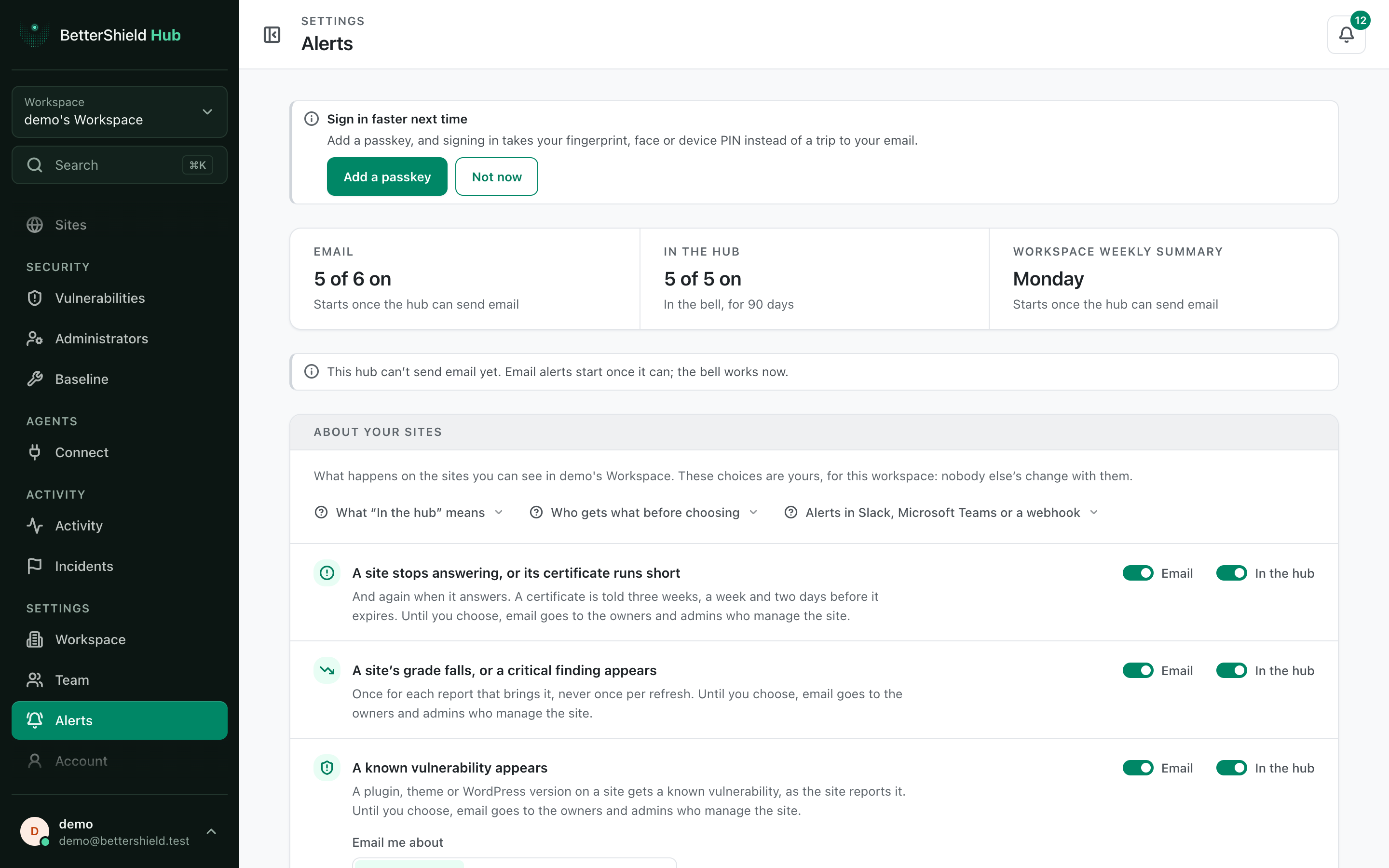
Step 2: Choose When It Arrives
| Choice | What arrives | Default |
|---|---|---|
| Every Monday | The weekly workspace summary from 08:00 UTC on Mondays. | Selected |
| Every day | The Monday summary, plus updates the sites reported the day before on other mornings at 08:00 UTC, when there are any. | Not selected |
Your choice saves when selected. Daily messages are not an extra security scan and an empty day does not produce an update email.
Step 3: Read Coverage Before Treating Silence as No Change
The Monday summary covers each visible site’s score against the week before, open critical and high findings, known vulnerabilities, open incidents and availability. Sites that need attention come first.
Updates are grouped by plugin, theme or WordPress version, with a count of the sites that updated it. The message names sites that also reported file changes in that component, then groups file changes outside those reported updates.
A site sends update and file-change events once its Hub link is on under BetterShield › Hub in WordPress. The summary names sites that do not send them. A missing report is not evidence that nothing changed.
Scores calculated under different scoring systems are not compared. For example, a BetterShield 1.1.3 scoring change is identified instead of being presented as a normal score fall.
Change or Stop These Messages
Choose Every Monday to stop the additional daily update emails. Turn the summary’s Email switch off to stop this summary entirely. Neither action changes the site’s protections, its instant emails, shared workspace destinations or client-report schedules.
Our advice: use daily updates when you maintain several active sites and weekly summaries when you review the portfolio together once a week.
Final Outcome
The saved Send it choice matches the cadence you want. After a known update on a site with its Hub link enabled, check the next eligible email and its coverage notes.
Related
- Hub alert preferences
- Hub link and site connection
- Hub client reports
- WordPress weekly security summary
Getting Stuck? Feel free to contact our Dedicated Support Team.